
Building Reliable LLM Serving with NVIDIA Dynamo AIConfigurator
Why this matters for builders
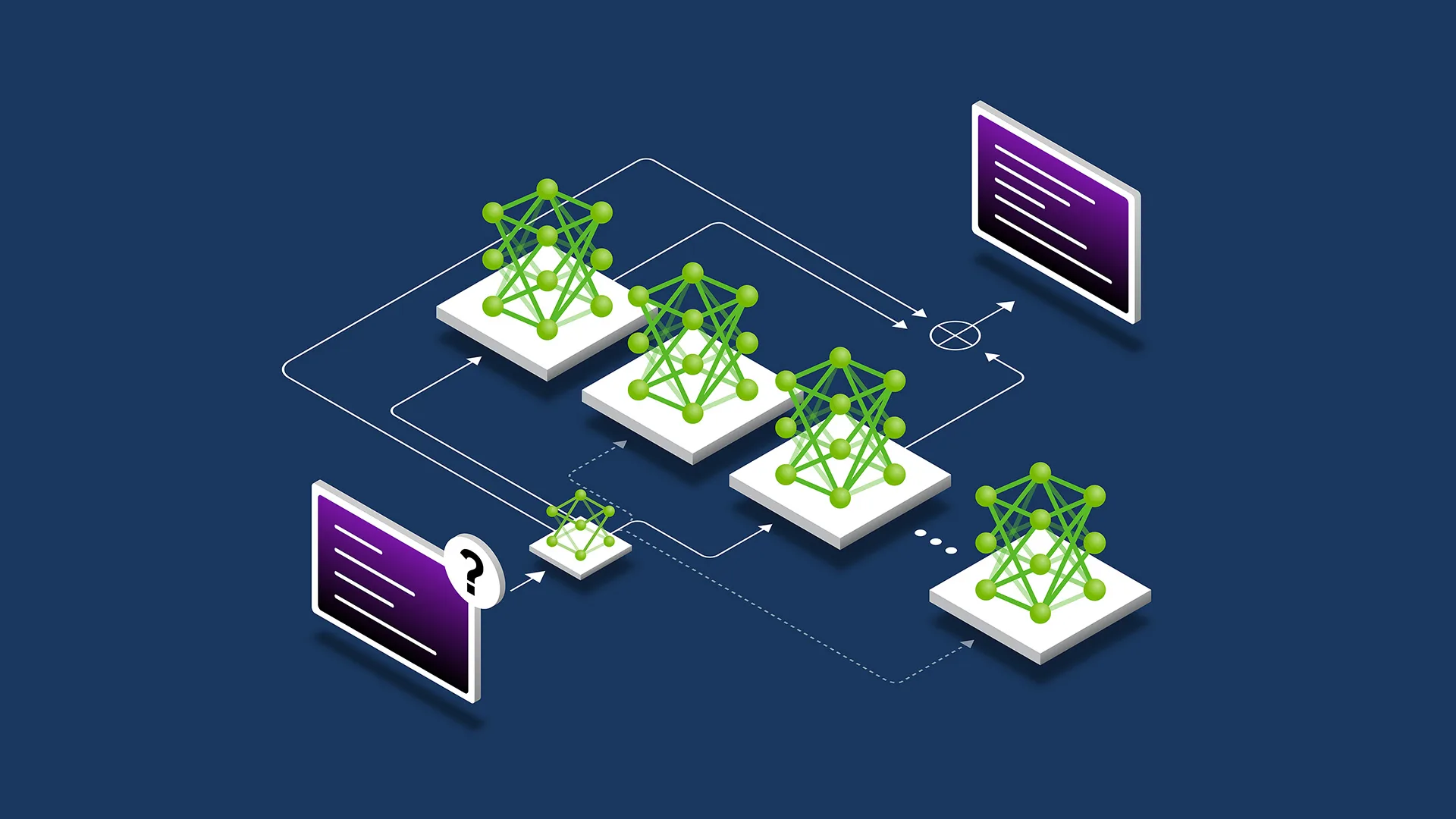
NVIDIA Dynamo AIConfigurator lets you automatically discover the optimal hardware, parallelism, and prefill/decode split for disaggregated LLM serving using a recommendation engine instead of manual trial-and-error. It removes the combinatorial explosion of configuration choices that makes production-grade inference tuning impractical for most teams. With this tool you can go from a vague performance target to a concrete, high-utilization serving topology in minutes, then implement and validate it with confidence.
The announcement matters because disaggregated serving (separating prefill and decode phases onto different compute pools) has become the default architecture for high-throughput LLM inference. Previously the only way to find a good split was expensive grid searches or months of operational tuning. AIConfigurator turns that guesswork into a repeatable, data-driven process.
When to use it
- You are deploying a latency-sensitive or throughput-sensitive LLM service (Llama 3, Mixtral, Command-R, etc.)
- Your current serving stack is either monolithic or manually sharded and you suspect utilization is below 60%
- You need to support variable QPS with strict SLOs (p95 < 1.5s TTFT or > 150 tokens/s/user)
- You want to compare cost/performance across A100, H100, or multi-node setups before committing hardware
- You are building an internal “serving recommendation” service for your org’s AI platform team
The full process
1. Define the goal (30 min)
Start by writing a one-page spec. Good specs contain:
- Model(s) and precision (FP8, BF16, INT4)
- Expected traffic pattern (steady, bursty, peak QPS)
- SLOs: Time to First Token (TTFT), Time Per Output Token (TPOT), max batch size
- Budget constraints (max GPUs, max cost/hour)
- Target hardware (single node vs multi-node, A100 vs H100)
- Disaggregation preference (yes/no, minimum prefill/decode ratio)
Example success criteria: “Serve Llama-3-70B at 200 concurrent users with p95 TTFT < 800ms and average 180 tokens/s per user on ≤ 8×H100 GPUs.”
2. Shape the prompt for your coding assistant
Use this starter template when talking to Cursor, Claude, or any strong coding LLM:
You are a senior MLOps engineer specializing in NVIDIA Dynamo.

I need to integrate NVIDIA Dynamo AIConfigurator into our serving pipeline.

Requirements:
- Target model: {{model_name}} at {{precision}}
- Expected peak QPS: {{qps}}
- SLOs: TTFT p95 < {{ms}}ms, TPOT < {{ms_per_token}}ms
- Hardware pool: {{gpu_type}} x {{count}}
- Must support disaggregated prefill/decode

Tasks:
1. Write a Python script that calls the AIConfigurator API (or CLI) with these constraints.
2. Parse the returned recommendation (JSON) into a clean config object.
3. Generate the corresponding vLLM / TensorRT-LLM / Dynamo deployment YAML or Helm values.
4. Include a validation step that compares predicted vs measured throughput.

Use best practices for error handling, logging, and reproducibility.
Replace the placeholders with your actual numbers. The clearer the constraints, the better the generated code.
3. Scaffold the integration (coding phase)
Create a new directory serving-recommender/ and add these files:
configurator.py– wrapper around AIConfiguratorrecommendation.py– data classes for the returned configdeploy_generator.py– turns recommendation into Kubernetes manifests or docker-composevalidator.py– runs a small benchmark and compares against prediction
Here is a minimal, realistic skeleton you can paste and refine:
import requests
from pydantic import BaseModel
from typing import Literal

class ServingConstraints(BaseModel):
    model: str
    precision: Literal["fp8", "bf16", "int4"]
    peak_qps: int
    ttft_p95_ms: int
    hardware: str
    gpu_count: int
    disaggregated: bool = True

class Recommendation(BaseModel):
    prefill_gpus: int
    decode_gpus: int
    parallelism: dict  # tp, pp, etc.
    expected_throughput: float
    estimated_cost_per_mtok: float
    confidence: float

def get_recommendation(constraints: ServingConstraints) -> Recommendation:
    # In real usage this would call the Dynamo AIConfigurator endpoint
    # For now we simulate the shape so you can iterate locally
    payload = constraints.model_dump()
    resp = requests.post(
        "https://api.dynamo.nvidia.com/v1/configurator/recommend",
        json=payload,
        headers={"Authorization": "Bearer YOUR_TOKEN"}
    )
    resp.raise_for_status()
    return Recommendation(**resp.json())
4. Implement and iterate
Feed the skeleton above plus your spec into your AI coding tool and ask it to:
- Add proper authentication and retry logic
- Support multiple models in one call (batch recommendations)
- Export the recommendation as a tagged Docker image + Helm chart snippet
- Add a dry-run mode that prints the exact
dynamo servecommand
Expect 2–3 rounds of refinement. Each round should take < 10 minutes with a good coding assistant.
5. Validate the recommendation
Never ship a recommendation without measurement. Use this checklist:
- Spin up the recommended topology in a staging cluster (use SkyPilot or RunPod for speed)
- Run
lm-evalor a custom Locust script that matches your production traffic shape - Compare measured TTFT/TPOT vs AIConfigurator’s prediction (target < 15% delta)
- Measure GPU utilization on both prefill and decode pools (goal > 75% sustained)
- Record cost per 1M tokens and compare against your previous baseline
If the delta is > 20%, capture the telemetry (Prometheus scrape of nvidia_smi, vLLM logs) and add it to the next configurator prompt as additional context. The system improves when you close the feedback loop.
6. Ship it safely
Production rollout checklist:
- Deploy the new topology side-by-side using a canary service mesh (Istio or Linkerd)
- Route 5% of production traffic to the AI-recommended config for 24h
- Monitor the same SLOs + error rate and GPU memory pressure
- Use Dynamo’s built-in router to gradually increase traffic if metrics look good
- Keep the old config as a rollback target for at least one week
Pitfalls and guardrails
### What if the recommended split feels wrong?
Trust the numbers first, then your intuition. Capture the exact constraints you sent and the full JSON response. Often the “wrong” feeling comes from missing a constraint (e.g., you forgot to specify burst QPS or maximum acceptable latency). Add the missing constraint and ask again.
### What if I don’t have access to the real AIConfigurator API yet?
Use the shape defined in the Pydantic models above and stub realistic responses. This lets you build the entire downstream pipeline (deployment generator, validator, monitoring) before NVIDIA opens broader access. When the real endpoint appears, only the get_recommendation function changes.
### What if measured performance is significantly worse?
Common causes:
- Different quantization library than what the configurator assumed
- Network bandwidth between prefill and decode pools lower than expected
- Batch scheduler not using the recommended max batch size
Add these observed values as context in the next prompt: “Previous recommendation X gave only 62% of predicted throughput because of Y. Adjust.”
What to do next
After your first successful deployment:
- Wrap the entire flow in a GitHub Action that runs on every model update
- Add a “what-if” explorer UI so product teams can play with different QPS/SLO sliders
- Start collecting a dataset of (constraints, recommendation, measured outcome) to fine-tune a smaller local model for instant recommendations
- Explore multi-model serving recommendations once Dynamo supports it
Sources
- Original NVIDIA Developer Blog: “Removing the Guesswork from Disaggregated Serving” – https://developer.nvidia.com/blog/removing-the-guesswork-from-disaggregated-serving/
- NVIDIA Dynamo AIConfigurator announcement and YouTube overview
- DistServe research that popularized disaggregated prefill/decode
(Word count: 982)
This guide gives you a repeatable, AI-augmented process to turn NVIDIA’s new configurator into production value instead of another interesting research paper. Start with the spec, stay disciplined about validation, and you’ll ship better LLM serving infrastructure faster than ever.