
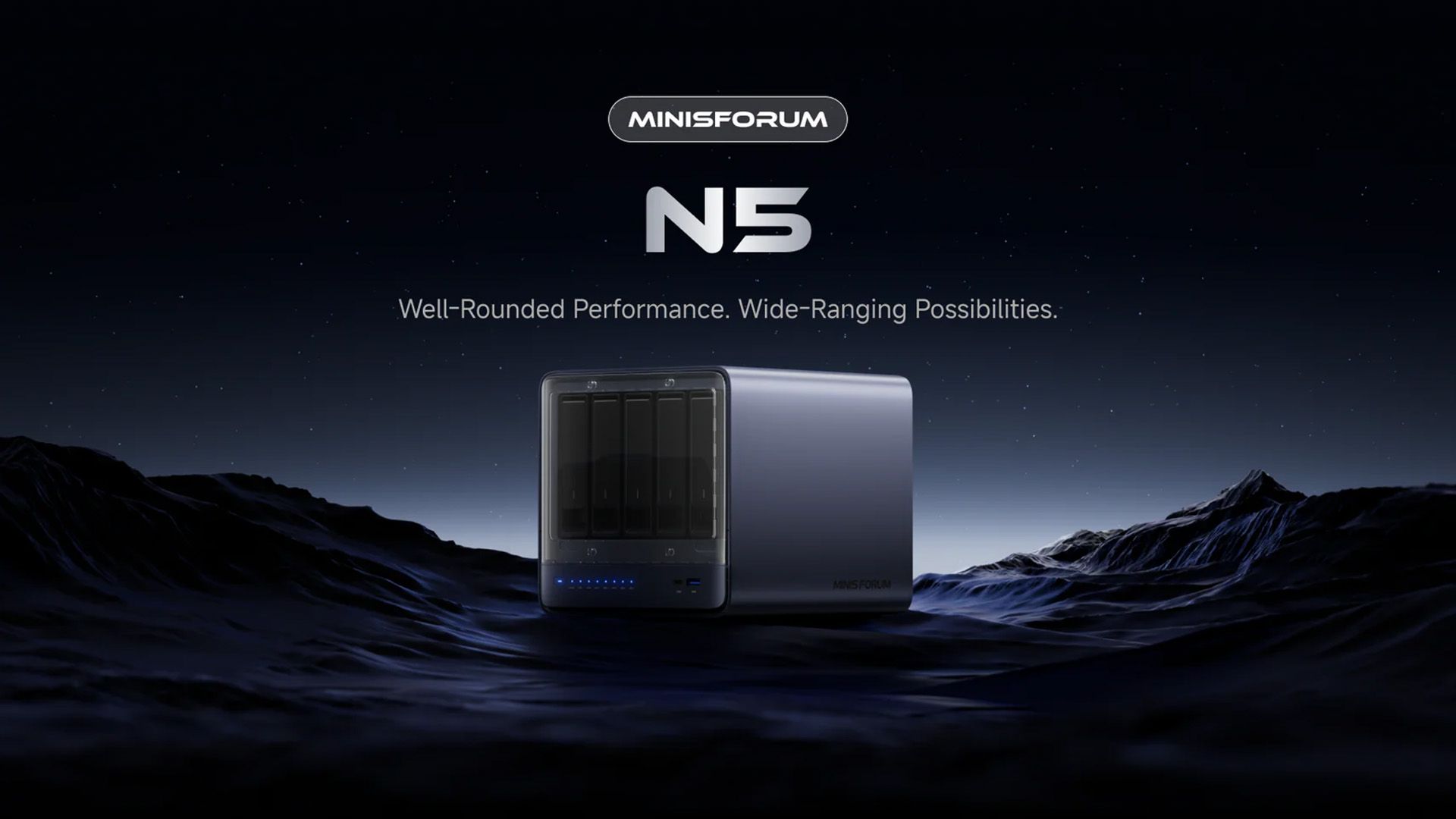
How to Run Local AI LLMs on Minisforum N5 Max NAS with OpenClaw
TL;DR
- The Minisforum N5 Max is the first consumer NAS with OpenClaw pre-installed and powered by AMD’s Ryzen AI Max+ 395 (Strix Halo), allowing you to run large language models entirely locally without cloud dependency.
- After unboxing, you can immediately start chatting with local LLMs via the built-in OpenClaw interface.
- Use the NAS for private document Q&A, smart home automation scripts, or on-device AI image tagging right out of the box.
Prerequisites
Before you begin, make sure you have:
- Minisforum N5 Max NAS (pre-installed with OpenClaw)
- A stable Gigabit or 2.5GbE network connection
- A computer or mobile device on the same local network
- At least 500GB of free storage on the NAS (for model files)
- Basic familiarity with web browsers and file management
- (Optional) External USB SSD or additional NVMe drives for larger models
Note: The N5 Max is not yet widely available for purchase. Check Minisforum’s official site or major retailers for launch stock and exact shipping dates.
Step 1: Initial Setup and Network Access
- Unbox the N5 Max and connect the power cable, Ethernet cable, and any storage drives you plan to use.
- Power on the unit. The front LED should turn white or blue once the system has booted (usually under 45 seconds).
- Find the NAS on your local network. Most users can simply open a browser and go to
http://n5max.localor check your router’s device list for the IP address (commonly in the 192.168.x.x range). - Log in with the default credentials printed on the bottom of the device or in the quick-start guide. You will be prompted to change the password on first login.
Step 2: Verify OpenClaw Installation
OpenClaw comes pre-installed, but it’s good practice to confirm everything is ready:
- From the main NAS dashboard, locate the OpenClaw tile or app icon.
- Click to launch it. You should see a clean chat-style interface similar to ChatGPT but running 100% locally.
- The welcome screen will display the AMD Ryzen AI Max+ 395 processor information and available NPU performance (up to 80+ TOPS for AI acceleration).
- If prompted, allow OpenClaw to scan your attached storage for existing model files. This step usually takes 10–30 seconds.
Step 3: Download and Load Your First Local LLM
OpenClaw supports popular open-source models. Here’s how to get started immediately:
- In the OpenClaw sidebar, click Model Library.
- Browse the curated list of models optimized for the Strix Halo NPU. Recommended starters:
- Phi-3.5-mini (fast, good for everyday queries)
- Llama-3.2-3B or 8B (balanced performance)
- Gemma-2-9B (strong reasoning)
- Click Download. Model files are stored directly on the NAS storage. A 4–8B parameter model typically takes 5–15 minutes depending on your internet speed.
- Once downloaded, select the model from the dropdown and click Load to NPU. The Ryzen AI Max+ 395’s neural processing unit will accelerate inference.
Example: After loading Llama-3.2-8B, you can type a prompt such as “Summarize the contents of my ‘Meeting Notes’ folder” and OpenClaw will analyze files stored on the NAS.
Step 4: Connect Your Data for Private AI Queries
The real power of the N5 Max + OpenClaw combination is private RAG (Retrieval-Augmented Generation):
- In OpenClaw, go to Knowledge Base → Add Folder.
- Select any shared folder on the NAS (Documents, Photos, Backups, etc.).
- OpenClaw will automatically index the files using the AMD NPU. This creates an on-device vector database.
- Return to the chat interface and ask natural-language questions about your data — for example:
- “What were the main action items from last month’s project meeting?”
- “Show me all photos from 2025 that contain a dog.”
Step 5: Configure Automation and API Access
For advanced users:
- Open the Settings gear in OpenClaw.
- Enable the local REST API endpoint. You can now call the LLM from Home Assistant, Node-RED, or custom scripts.
- Example curl command to test the API:
curl -X POST http://n5max.local:8080/v1/chat/completions \ -H "Content-Type: application/json" \ -d '{ "model": "llama-3.2-8b", "messages": [{"role": "user", "content": "Hello, how are you?"}] }' - Set up scheduled tasks in the NAS dashboard (e.g., nightly document indexing or automatic photo tagging).
Tips and Best Practices
- Model size vs speed trade-off: Start with 3B–8B models for responsive chat. Larger 70B+ models are possible but will be slower and require more RAM/storage.
- Keep models on fast storage: Place active models on NVMe SSD bays rather than HDDs for faster loading.
- Privacy first: Because everything runs locally, no data leaves your network — ideal for sensitive business or personal documents.
- Monitor NPU usage: The OpenClaw dashboard shows real-time TOPS utilization and temperature. Keep usage under 85% for sustained performance.
- Regular updates: Enable auto-update for OpenClaw in the NAS settings. Minisforum plans to add more optimized models for the Ryzen AI Max+ 395.
Common Issues
Why am I getting “Model failed to load” error?
This usually happens when there is insufficient RAM or the model was downloaded incompletely. Try restarting OpenClaw, clearing the model cache, and re-downloading. The N5 Max ships with 32GB or 64GB LPDDR5X RAM — larger models need the 64GB variant.
Chat responses are very slow. What’s wrong?
Check if the model is loaded on the NPU. If it’s running on CPU only, inference speed drops dramatically. Go back to the Model Library and click “Load to NPU” again. Also ensure no other heavy tasks (such as 4K transcoding) are running simultaneously.
Cannot find n5max.local in my browser
Fall back to the IP address. On Windows, open Command Prompt and type ping n5max or check your router’s connected devices list. Make sure mDNS/Bonjour is enabled on your network.
OpenClaw says “NPU not detected”
This is rare on the N5 Max but can occur after a firmware update. Reboot the NAS and ensure the latest AMD AI drivers are installed (usually handled automatically).
Next Steps
Once you’re comfortable running basic LLMs, explore these advanced uses:
- Integrate OpenClaw with the NAS surveillance system for intelligent video search (“find all clips with people”).
- Build personal AI agents that monitor your downloads and automatically organize files.
- Experiment with multimodal models for image captioning and visual Q&A on your photo library.
- Join the Minisforum community forums to share custom OpenClaw workflows and new model optimizations for Strix Halo.
The Minisforum N5 Max with pre-installed OpenClaw represents a major step toward truly private, on-premise AI for home labs and small businesses.