
The short version
Canva's Magic Layers is a new AI tool that takes flat, uneditable images—like those generated by AI—and automatically breaks them into separate, movable layers you can tweak individually. Launching today in public beta in the US, UK, Canada, and Australia, it lets anyone upload an image or AI creation, and in under a minute, Canva turns it into a fully customizable design with objects, text, and graphics you can edit without starting from scratch. This fixes a big frustration with AI art: it looks great but you can't change it easily, making design work faster and simpler for everyday users like teachers, small business owners, or social media creators.
What happened
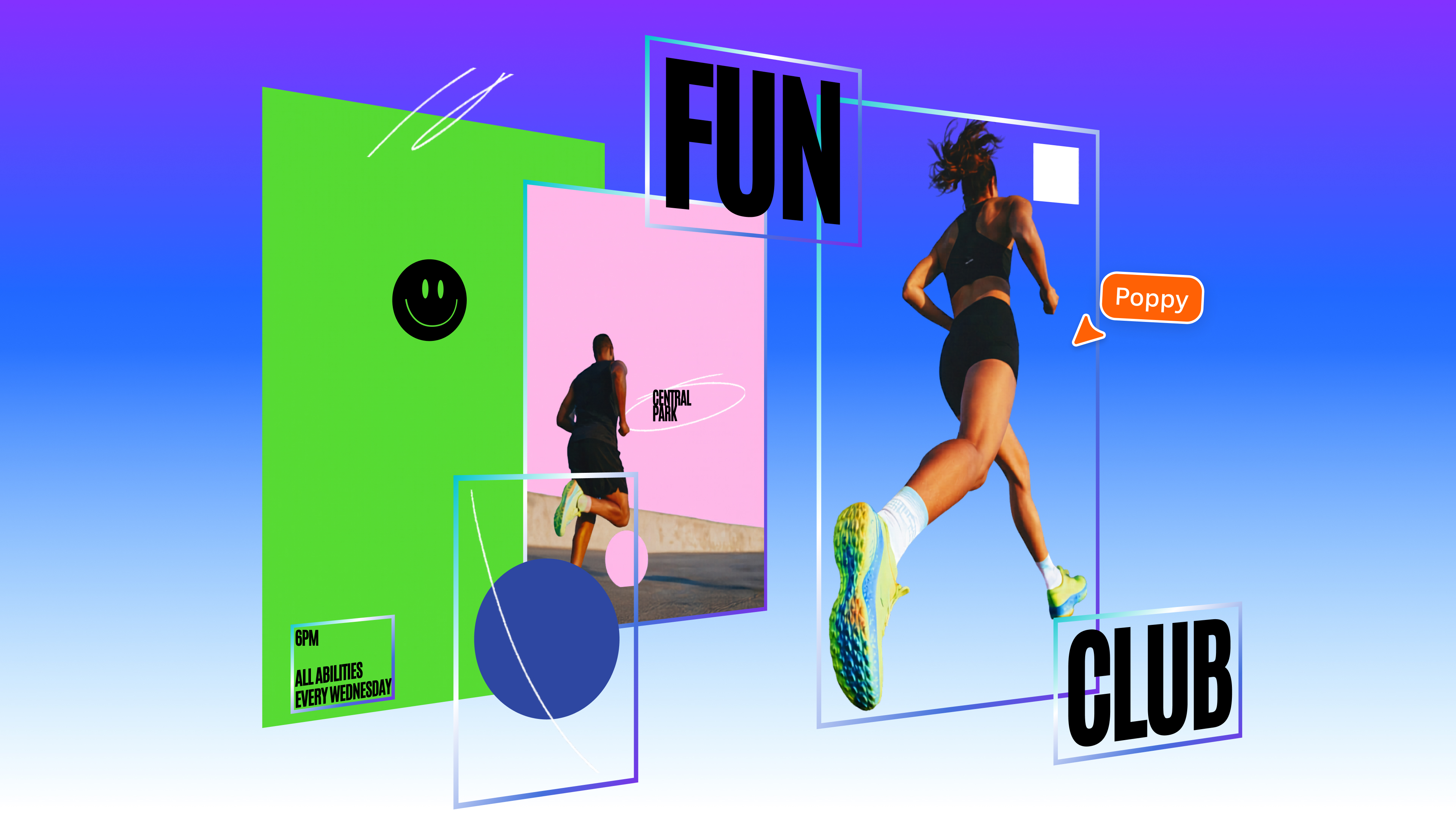
Imagine you use an AI tool to whip up a cool poster—maybe a vibrant graphic with a beach scene, some text saying "Summer Sale," and icons of sunglasses and waves. It looks perfect, but it's just one flat picture, like a photo printed on paper. If you want to change the text to "Winter Sale" or swap the beach for mountains, you're stuck: you either recreate it from nothing or use tricky software like Photoshop, which feels like brain surgery for non-pros.
Canva, the super-popular online design app (think of it as easy digital crayons for making flyers, presentations, or social posts), just fixed this with their new "Magic Layers" feature. Powered by a breakthrough from their AI team, it scans any flat image you upload—including ones made by other AI tools—and smartly separates it into editable pieces. Text boxes become movable words you can retype, objects like that beach umbrella turn into drag-and-drop graphics, and the background stays put unless you want to mess with it. Cameron Adams, Canva's chief product officer, called it a game-changer in their announcement: no more starting over or puzzling through complex edits. It's rolling out in public beta right now, meaning anyone in those countries can try it for free in Canva's app.
They've also hinted at their own custom AI model trained on design elements, which spits out images already layered and editable from the get-go—not flat messes. It's like upgrading from a sticker book where everything's glued down to one where you can peel and rearrange freely.
Why should you care?
If you've ever dabbled in AI image generators (like turning "cute cat in a hat" into art for your kid's birthday invite), you know the excitement fades when you can't tweak it. Magic Layers makes AI designs practical for real life, saving you hours of frustration. For regular folks—parents making school projects, shop owners crafting Instagram ads, or hobbyists building newsletters—this means pro-looking results without pro skills or expensive software. Things get cheaper (no need for paid pros), faster (edits in seconds), and more fun, democratizing design in a world flooded with AI visuals.
What changes for you
Practically, this hits your daily routine in small but powerful ways:
- Quick social media wins: Generate an AI image for a post, upload to Canva, and boom—edit colors, move text, add your logo. No more "close but not quite" restarts.
- Work or school projects: Teachers can AI-create a diagram, then layer in student names or facts. Small businesses tweak promo graphics on the fly without hiring designers.
- Beta access now: If you're in the US, UK, Canada, or Australia, head to Canva (free account works), upload an image, and hit the Magic Layers button. It processes in under a minute, turning it into a standard Canva project you know and love.
- Future-proofing: Canva's new model means future AI generations in their app will be editable out of the box, so your designs stay flexible as trends change. No apps to download extra, no steep learning curve—just upload and edit. If you're not in those countries, it might roll out soon, but you can sign up for Canva's updates.
Frequently Asked Questions
### Is Magic Layers free to use?
Yes, it's launching as a free public beta for Canva users in the US, UK, Canada, and Australia—no extra cost beyond your existing Canva plan (free tier included). It works on any flat image or AI output you upload, processing in under a minute. Canva hasn't detailed long-term pricing, but expect it to stay accessible like their other tools.
### How does Magic Layers work step-by-step?
Upload any flat image or AI-generated visual to Canva, select the Magic Layers tool, and let the AI analyze it (usually under a minute). It automatically detects and separates elements like text, objects, and backgrounds into editable layers, keeping the original layout intact. Then, drag, resize, recolor, or delete pieces just like in a regular Canva design—no design expertise needed.
### Can I use it on images from other AI tools?
Absolutely—Magic Layers is designed for that exact problem. Take an output from any AI generator (like a static beach poster), upload it, and Canva makes it layered and editable. It preserves the layout while letting you customize, solving the "beautiful but unchangeable" issue with AI art.
### When will Magic Layers be available everywhere?
It's in public beta now in the US, UK, Canada, and Australia, so you can try it immediately if you're there. No global rollout date is confirmed yet, but Canva often expands features quickly—check their site or app for updates in your region. In the meantime, their new foundational model promises more editable AI designs coming soon.
### Is this better than editing in Photoshop or other apps?
For non-pros, yes—it's way simpler and faster, with no complex menus or steep learning curve. Photoshop is like a mechanic's toolbox for experts; Magic Layers is like magic scissors that do the hard work. It turns flat images into Canva-native projects, perfect for quick everyday edits without subscriptions or training.
The bottom line
Canva's Magic Layers is a smart fix for one of AI's biggest headaches: gorgeous images you can't touch. By layering them up automatically, it empowers anyone to customize designs effortlessly, saving time and unlocking creativity for posters, posts, or presentations. If you use Canva or AI art at all, jump into the beta—it's free, fast, and makes you look like a design whiz without the hassle. This isn't just a tool; it's design freedom for the rest of us, and it's available now where it counts.