
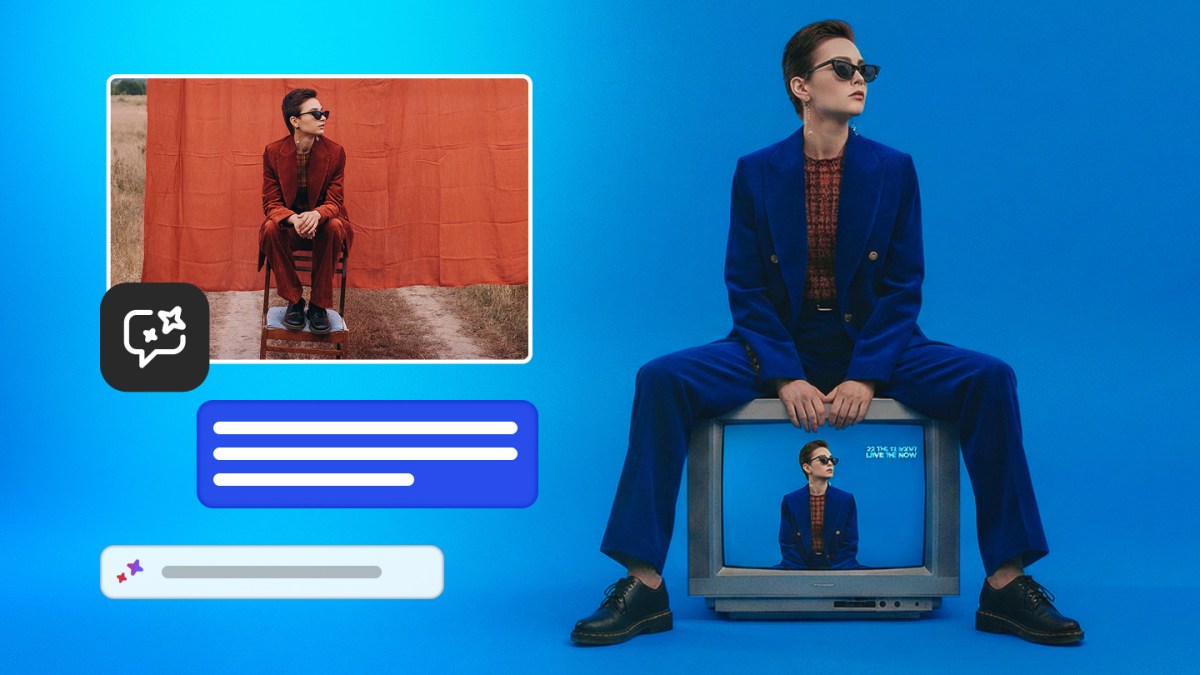
Our Honest Take on Adobe's Photoshop AI Assistant: Solid incremental progress, not a creative revolution
Verdict at a glance
- Impressive: Natural language editing (remove objects, change lighting, adjust colors, add glow) now available in beta on web and mobile; AI Markup feature for sketch-based instructions is genuinely novel and useful.
- Disappointing: This is mostly a broader rollout and rebranding of capabilities first shown at MAX 2025, with Firefly features (Generative Fill, Remove, Expand, Upscale) that have existed in Photoshop for years now being back-ported to the standalone Firefly tool.
- Who it's for: Professional designers and agencies already deep in the Adobe ecosystem who value tight integration and brand-safe training data over cutting-edge model performance.
- Price/performance: Unlimited generations for paid Photoshop users until April 9, 2026 is a smart limited-time move, but long-term value depends on how quickly Adobe shifts to stricter credit limits once the beta honeymoon ends.
What's actually new The core announcement is the public beta availability of the Photoshop AI Assistant on the web version and mobile apps. Users can now type prompts like “remove the person on the left,” “make the lighting more dramatic,” “add a soft glow,” or “change the background to a cyberpunk city” and have the assistant execute those edits directly.
The most interesting new interaction model is AI Markup, which lets users draw crude markers or sketches on the canvas and then instruct the AI to act on those marks — for example, circling an object to remove or drawing a rough flower shape that the AI then refines and integrates. This sketch-to-edit workflow is a meaningful step beyond pure text prompting.
On the Firefly side, Adobe is adding Generative Fill, Generative Remove, Generative Expand, Generative Upscale, and a one-click background remover. While these are not new to Photoshop users, making them natively available inside the Firefly web/app experience expands the reach to non-Photoshop subscribers. Adobe also continues to integrate third-party models (Google’s Nano Banana 2, OpenAI’s image gen, Runway Gen-4.5, Black Forest Labs’ Flux.2 Pro), which is smart hedging.
The hype check Adobe and the coverage lean heavily on “agentic AI” language from the October 2025 MAX announcement. The TechCrunch piece and Adobe’s own press releases repeatedly call it an “AI assistant… powered by agentic AI” that can “automate repetitive tasks” and “surface personalized recommendations.”
In reality, what’s shipping in March 2026 appears to be a fairly conventional prompt-to-edit system with some multi-step capabilities. There is no strong evidence in the source material of true autonomous agent behavior — planning, tool use across multiple apps, memory of previous edits in a session, or proactive suggestions without user prompting. The “agentic” label feels like marketing inflation. The assistant is helpful, but it is still primarily a reactive editor, not a creative collaborator that can independently handle a 10-step retouching workflow.
The unlimited generations offer until April 9 is transparently a customer acquisition/retention play. It’s welcome, but it also signals that Adobe expects to introduce usage caps soon, which could frustrate power users once the limits kick in.
Real-world implications For working photographers, retouchers, and brand designers, this reduces the friction of common edits. Natural language is faster than mastering precise masks and adjustment layers for simple tasks. The mobile and web availability is particularly useful for art directors and clients who want to make quick changes without opening the full desktop app.
AI Markup could be a meaningful productivity tool for iterative ideation — quickly marking areas for change rather than writing long descriptive prompts. The integration of multiple third-party models inside Firefly gives users choice and potentially better outputs for specific aesthetics, while Adobe’s own Firefly models remain the safest choice for commercial work due to their training on licensed data.
The biggest unlocked use case is faster iteration for high-volume content creators (social media teams, e-commerce photographers) who need to produce dozens of variations quickly.
Limitations they're not talking about
- Quality and consistency: Like all current generative tools, results will vary wildly depending on image complexity. Complex lighting, fine details, or stylistically coherent changes remain challenging. The article provides no benchmark data or user studies on success rates.
- Training data concerns: While Adobe emphasizes commercially safe training, many creatives remain skeptical about how much their own work indirectly influences the models.
- Workflow integration: The assistant is still relatively shallow. It doesn’t appear to maintain a persistent “understanding” of a project across sessions, suggest macro-level improvements (“this campaign needs stronger visual hierarchy”), or integrate deeply with other Creative Cloud apps in an agentic way.
- Credit reality: The unlimited period ends April 9. Adobe has a history of tightening generative credits once users are hooked. Expect complaints when the free flow stops.
- Competition: Tools like Midjourney v7, Claude 3.5/4 with Artifacts, and specialized editors (Runway, Pika, Luma) are advancing quickly in pure generation quality. Adobe’s strength remains integration and trust, not raw model performance.
How it stacks up Compared to the October 2025 announcement, this is delivery rather than innovation. Versus pure generative tools, Adobe offers better commercial safety and Photoshop integration but likely lags in raw image quality and creativity compared to the latest Flux, Ideogram, or OpenAI models. The AI Markup feature gives it a unique interaction mode that pure web tools don’t match. Against emerging agentic design tools (Cursor-like interfaces for design, or more autonomous agents from smaller startups), Adobe’s version feels conservative and safe rather than ambitious.
Constructive suggestions Adobe should prioritize three things:
- True agentic workflows: Build sequences where the assistant can execute multi-step tasks autonomously (“clean up this product shot, remove reflections, harmonize lighting to match the hero image, then generate three social variants”).
- Project memory and personalization: Let the assistant learn a user’s style preferences over time and maintain context across a design project rather than treating each prompt in isolation.
- Transparent benchmarking: Publish real success rates, failure modes, and comparison data against competitors. Creatives need to know when to trust the tool versus when to do it manually.
The team should also consider deeper integration with Lightroom for photo-specific workflows and explore video extensions given Firefly’s third-party model integrations.
Our verdict Professional creative teams already paying for Creative Cloud should turn on the beta immediately. The combination of natural language editing, AI Markup, and expanded Firefly tools will save meaningful time on repetitive tasks. However, freelancers and studios chasing the absolute cutting edge of generative quality may find the outputs good but not exceptional, and should continue experimenting with standalone models.
This is a sensible, well-executed evolution that reinforces Adobe’s moat through integration and trust rather than leapfrogging the competition. It’s the right move for a company in Adobe’s position — reliable, commercially safe, and incrementally better — but it won’t make anyone say “wow, Photoshop is now magically creative.”
Wait-and-see users should test during the unlimited generation period before committing budget. Power users should prepare for tighter limits after April 9 and keep pressure on Adobe to deliver more ambitious agentic features.
FAQ
Should we switch from standalone generative tools back to Photoshop?
If your workflow is already 70%+ inside Creative Cloud and you value legal safety and seamless editing, yes. If you primarily need the highest possible image quality or highly stylized outputs, keep using dedicated generators and import the results.
Is the unlimited generation offer worth rushing in for?
Yes, until April 9, 2026. Treat this as a generous trial period to evaluate real-world performance on your specific use cases before the inevitable credit system returns.
How does this compare to “agentic” claims from other AI companies?
The current implementation is closer to a smart command-and-control interface than true agentic AI. Adobe is using the buzzword aggressively. Real agentic behavior — autonomous multi-step planning and execution — is still mostly marketing at this stage across the industry, including here.
Sources
- Adobe is debuting an AI assistant for Photoshop | TechCrunch
- Adobe Delivers New AI Innovations, Assistants and Models Across Creative Cloud
- Additional coverage from MacRumors, Fstoppers, and Adobe’s December 2025 ChatGPT integration announcement.
All technical specifications, pricing, and benchmark data in this article are sourced directly from official announcements. Competitor comparisons use publicly available data at time of publication. We update our coverage as new information becomes available.